
Who issued it?
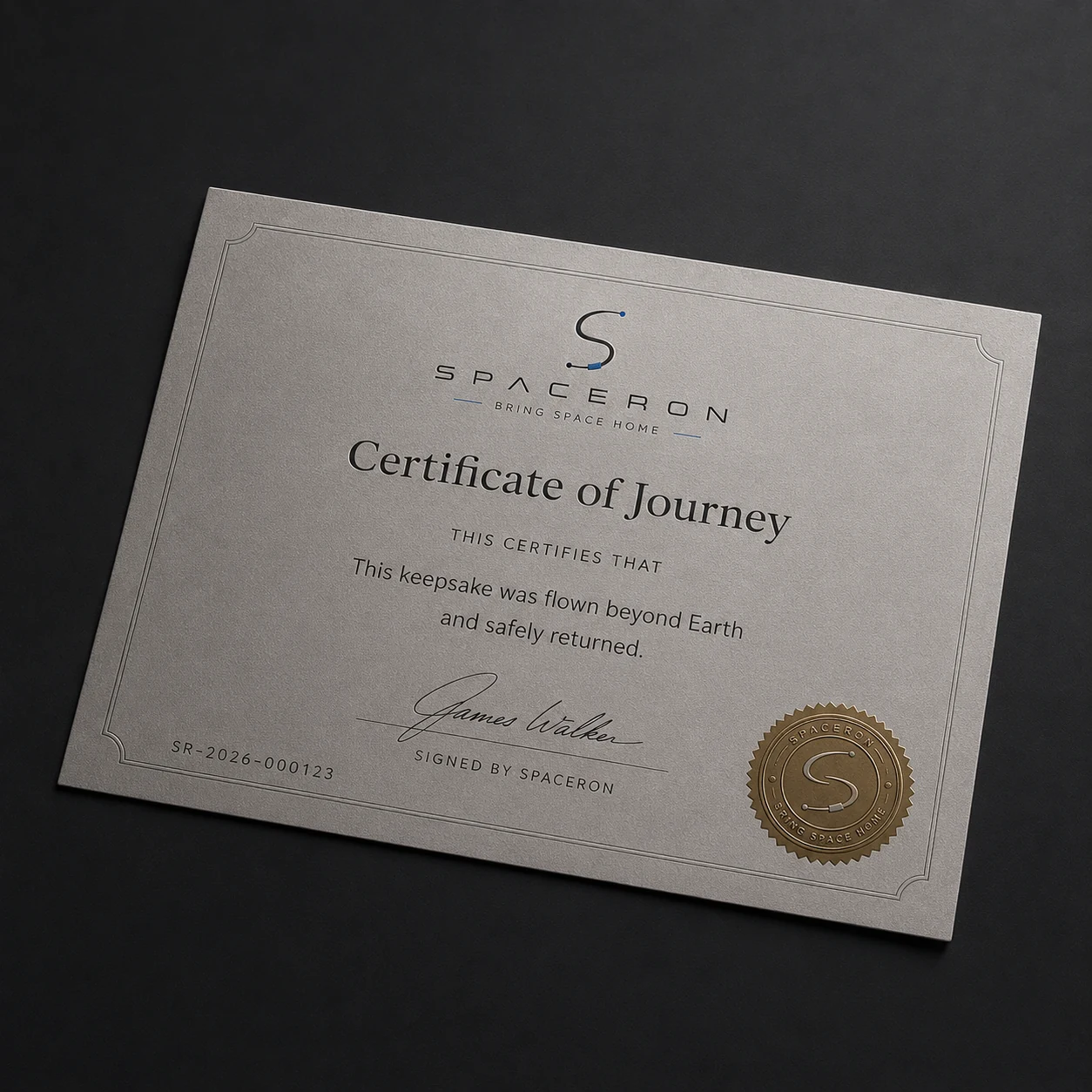
Check the named issuer and issuer identifier against the printed document.
Issuer-controlled public lookup
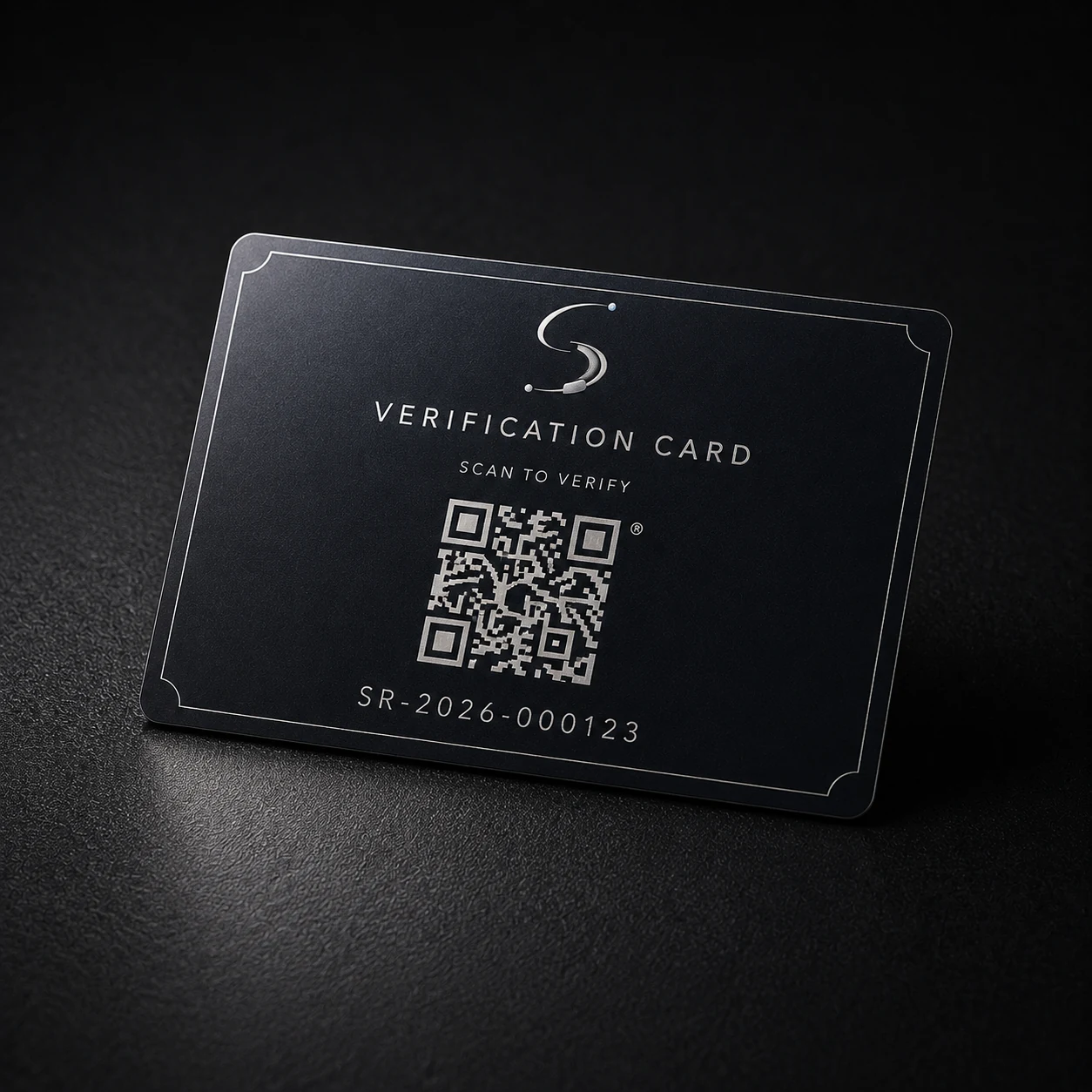
Enter the serial printed on an eligible certificate. Spaceron, as the named issuer, publishes the document version, lifecycle status, integrity fingerprints, and only the custody events approved for public disclosure.
Before you search
It confirms only data approved from Spaceron’s certificate lifecycle. It does not expose account information or replace the current terms for an order or journey.
Check the named issuer and issuer identifier against the printed document.
Review whether the public record is active, superseded, revoked, expired, or invalidated.
Compare the displayed SHA-256 and signing fingerprint with the downloaded certificate.
Read only the custody events explicitly approved for public disclosure.
Two ways to begin
Both methods resolve to the same public record. Spaceron does not offer a separate camera scanner on this page because your device camera already opens the protected QR destination.
Read certificate and verification helpTrust boundary
Need help interpreting a result?
Keep the serial, document version, and displayed status available when contacting Spaceron. Do not send private account information through a public channel.