Journey presentation and records

See what may return home with the journey.

The Journey Kit brings together the presentation components and available records associated with an accepted item. Exact contents follow the current package, approved add-ons, payment state, and completed journey records.

  • Current server-priced options
  • Selections saved to your account
  • Fulfillment follows verified records
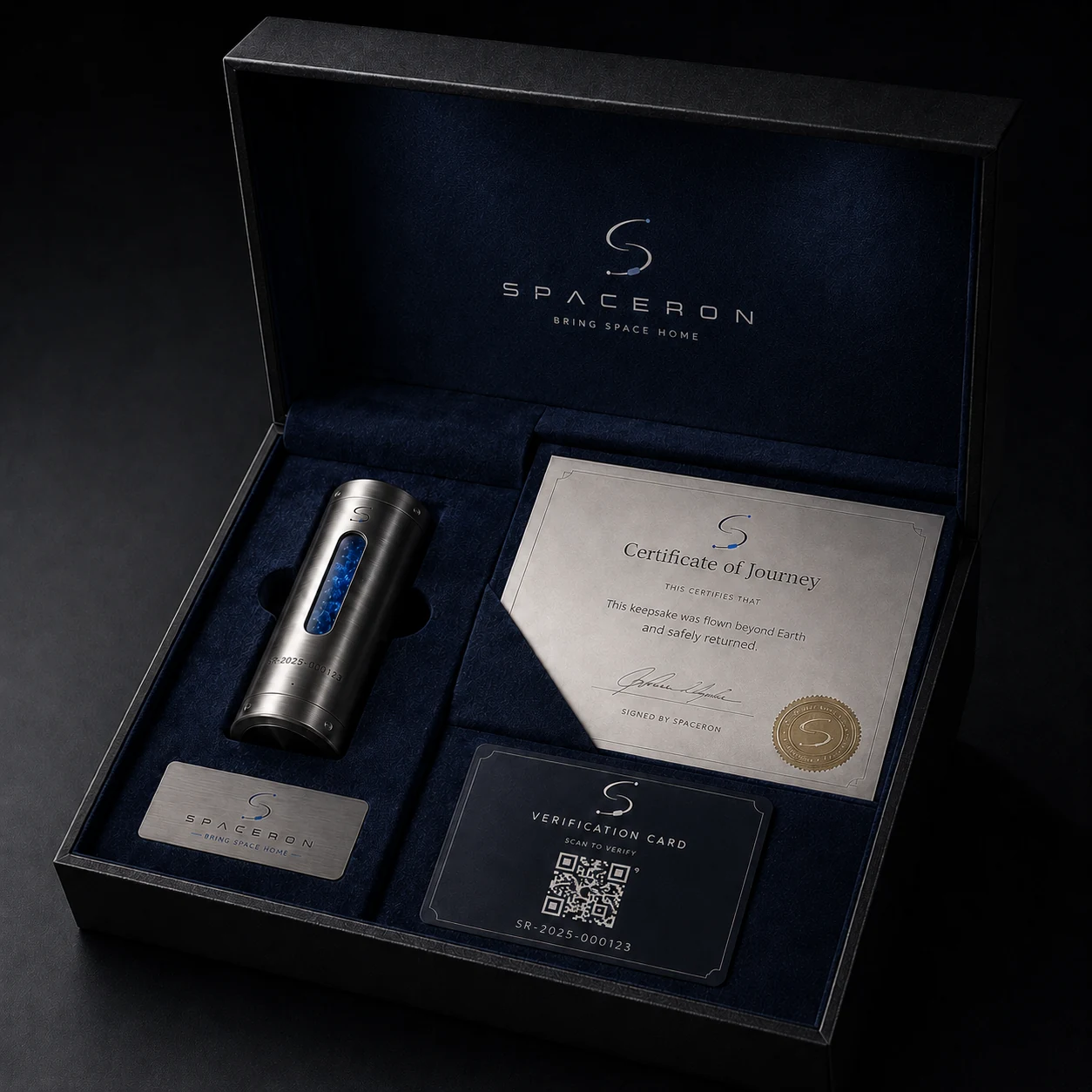
Open Spaceron presentation box showing a capsule, certificate, plaque, and verification card
Presentation exampleProduct photography is illustrative. Your package and journey records determine what is actually included.

What a Journey Kit is

A presentation layer built around documented milestones.

It is not proof of item acceptance, mission assignment, flight, recovery, or delivery. Those states appear only when the corresponding operational and document records support them.

  1. 01

    Item review

    The item must first meet current eligibility and handling requirements.

  2. 02

    Package choice

    The package and approved add-ons define the intended presentation.

  3. 03

    Record reconciliation

    Available components and documents are confirmed against the final order and journey record.

Possible components

Understand each part before selecting a package.

Every component has its own availability condition. Opening a detail below does not imply that the component has been assigned, produced, or issued.

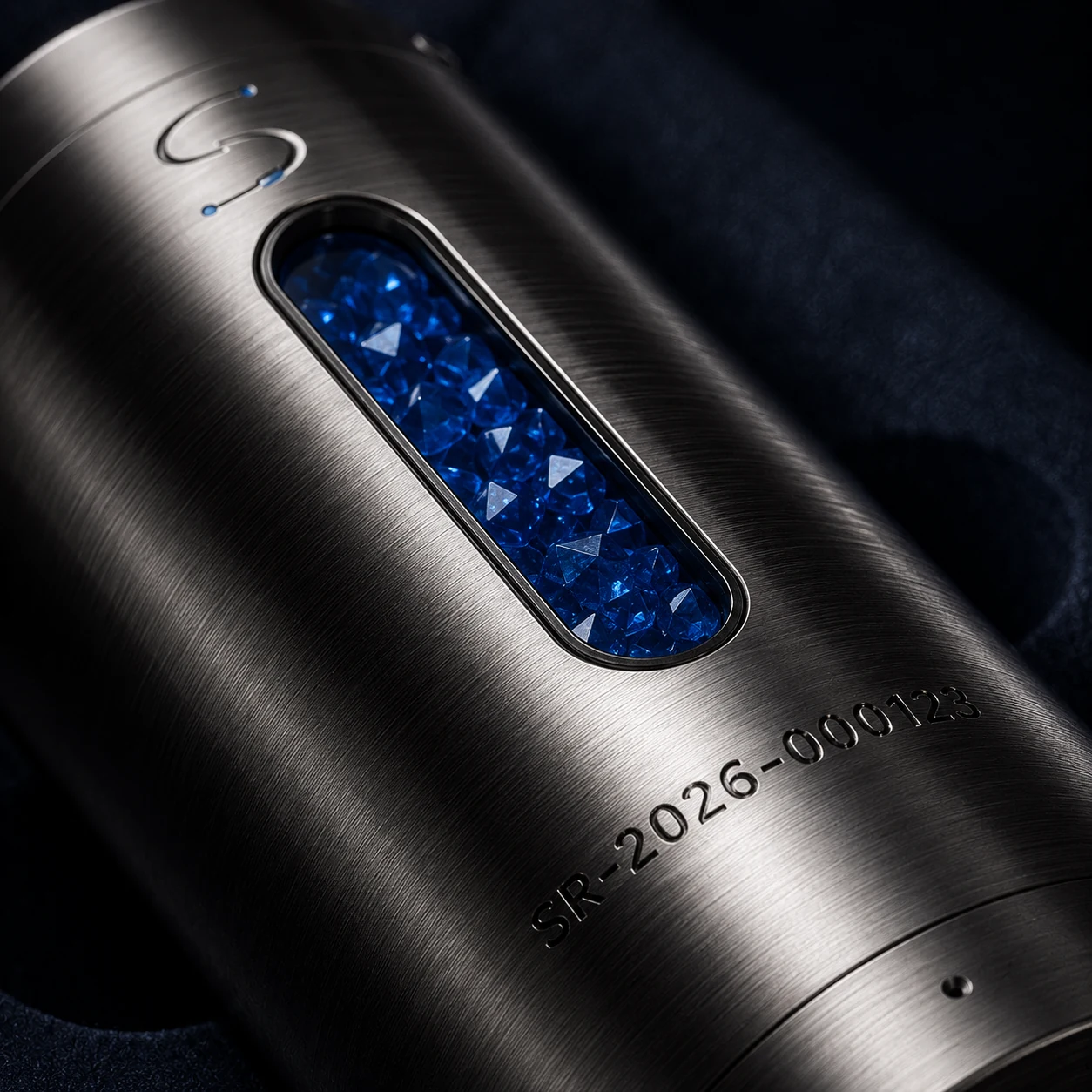
Close-up of a Spaceron flight capsuleAfter item acceptance

Flight capsule

A journey-specific containment component assigned only after item acceptance and operational review.

Read specifications and availability

Capsule material, dimensions, serialization, and assignment remain tied to the accepted item profile and the confirmed order record. The public display is not proof that a capsule has been assigned.
Review item eligibility
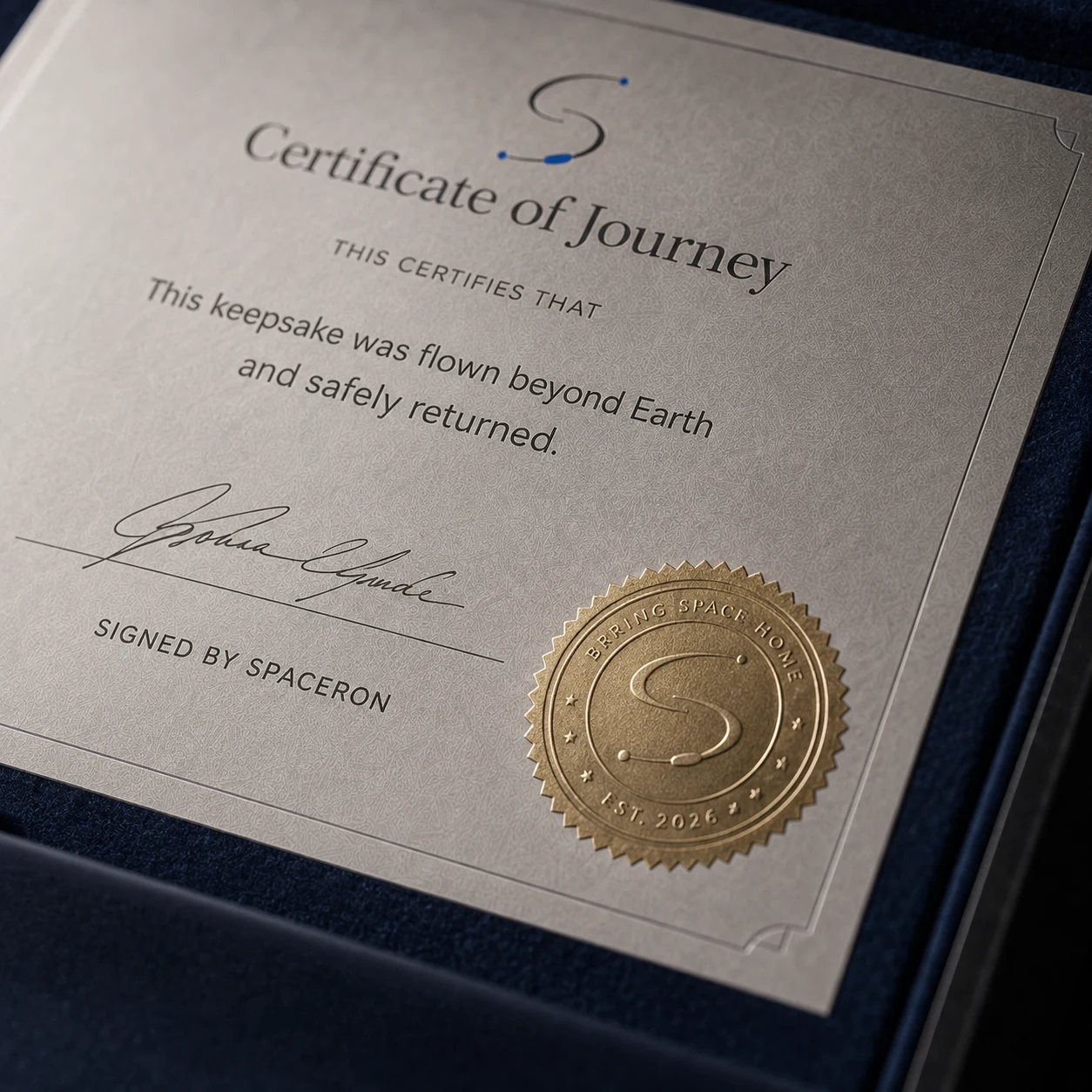
Certificate of Journey presentation exampleAfter an eligible completed journey

Certificate of Journey

An issued document generated from a completed and verified journey record when included in the order.

Read specifications and availability

Certificate availability, version, signer, issuance time, replacement, and revocation state are controlled by the document lifecycle. A product image is not an issued certificate.

How records are verified
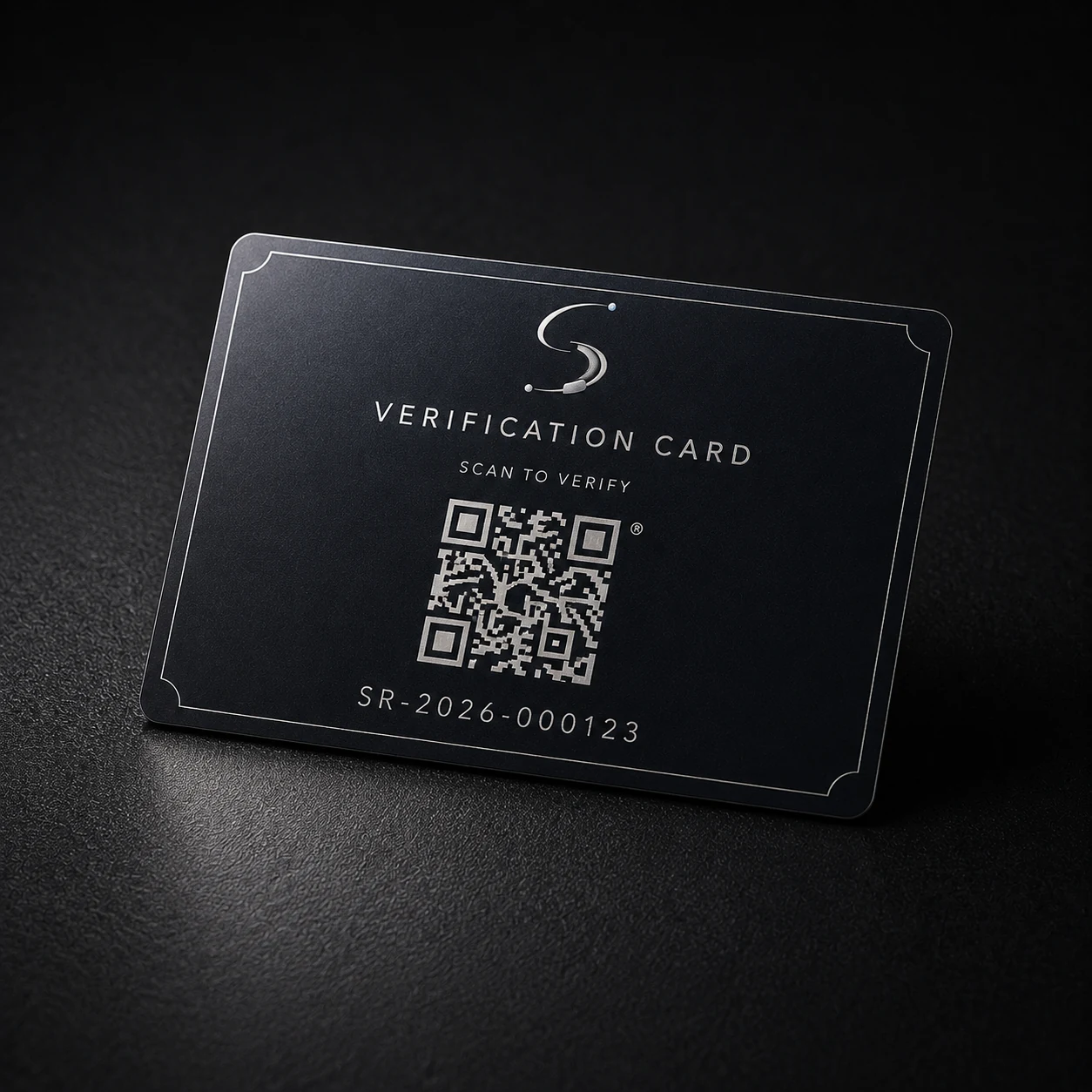
Spaceron verification card presentation exampleAfter public record approval

Verification card

A presentation component that can direct the holder to an available privacy-safe verification record.

Read specifications and availability

A QR or serial lookup works only after a public verification record is approved. Private customer, payment, and journey evidence is not exposed by the public lookup.

Open verification
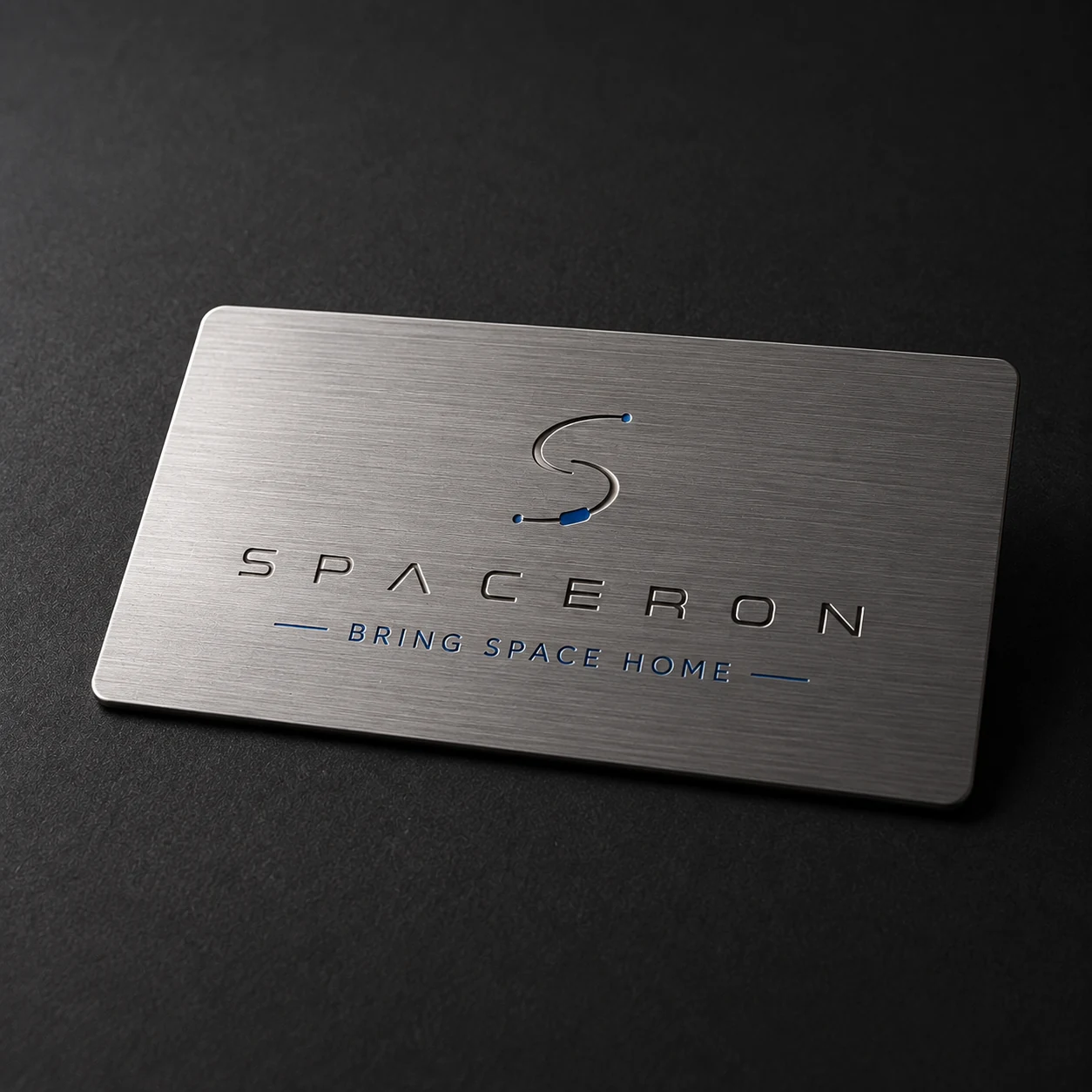
Brushed metal Spaceron plaque presentation exampleWhen included or selected

Engraved metal plaque

A catalog add-on or package inclusion when the current server catalog lists it.

Read specifications and availability

Personalization and production begin only after the associated order is paid and the fulfillment record is accepted for processing.

Configure options
Spaceron presentation box exampleBased on the selected package

Presentation packaging

The packaging type is determined by the selected package and the committed order snapshot.

Read specifications and availability

Standard, premium, and signature presentation descriptions are taken from the current package catalog. Packaging shown in photography may differ from an order unless the package record explicitly includes it.

Compare packages

Current package catalog

Build a configuration before signing in.

Choose a package and optional add-ons. The account page validates the current server catalog before saving anything. No order is created and no payment method is charged here.

1. Choose a package
2. Add optional presentation components

Options already included in the selected package are marked included and cannot be added twice.

What happens after selection

Your account keeps the configuration connected to the journey.

After sign-in, you can save the package and add-ons, connect them to a customer-owned journey, and review order-linked fulfillment state. Checkout remains unavailable until the journey passes the required eligibility review.