
Eligibility is a separate decision
A package preference, public checklist, or saved draft does not approve the item. Spaceron may request changes, specialist review, substitution, or rejection.
Protected item review
This public step preserves only your package preference and whether the journey is personal or a gift. Measurements, photographs, materials, ownership declarations, and the item story belong in the authenticated review.
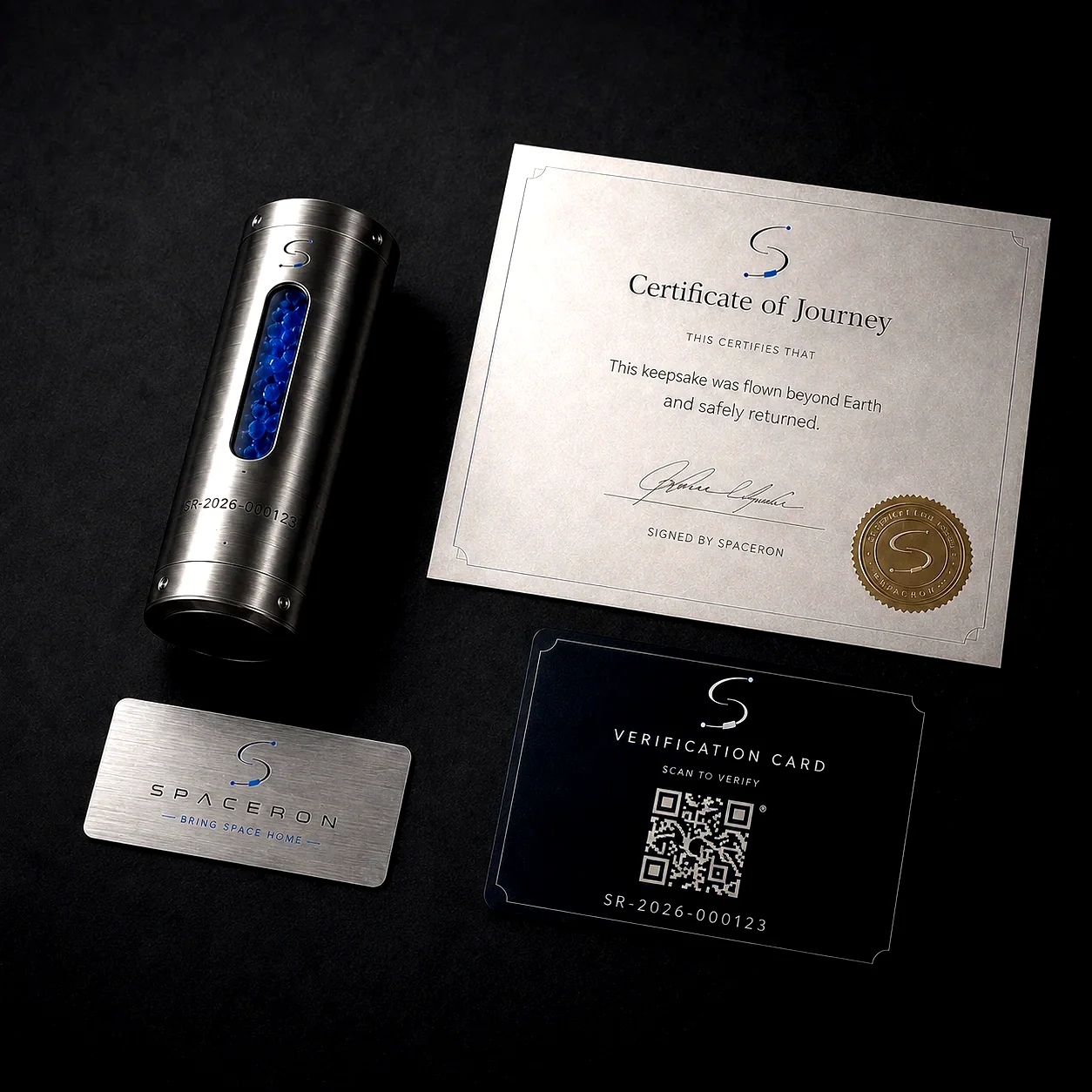
Non-sensitive plan
Change the journey intention or package preference below. With JavaScript enabled, the summary and secure continuation update immediately. Without JavaScript, select Update plan before continuing.
Private readiness check
The checklist below remains only in this page’s memory and is cleared when you leave or reload. It is not submitted and is not legal consent.
Start with the information you already have. You can save the protected form as a draft.
Authenticated workflow
You may save a draft before submission. Only the submitted record can enter eligibility review.
Enter the title, item type, material, intention, and why the item matters.
Provide structured numeric dimensions and weight, then upload supported image formats through the secure endpoint.
Answer every prohibited-item question accurately. A blocking answer prevents submission until resolved.
Record the story, package preference, return-signature choice, and supported certificate preference.
Confirm lawful authority and accuracy before submitting the durable eligibility record.
Important boundaries
A package preference, public checklist, or saved draft does not approve the item. Spaceron may request changes, specialist review, substitution, or rejection.
Payment should begin only after the approved journey and server-generated quote, disclosures, taxes, shipping, and options are reviewed.
Submission, approval, or payment does not guarantee a launch provider, manifest position, launch date, recovery, or return date.
Wait for item-specific shipping instructions tied to the reviewed record or an authenticated support case.
Ready to create the protected record?
Signing in preserves only the package, intention, and source context. Sensitive item details remain in the authenticated workflow.